
LED Display Content Guide: Best Practices for Engaging Digital Content
Creating content for an LED display involves much more than simply resizing a video or image. Effective digital signage combines visual design, clear communication and an understanding of how people view information in different environments.
Whether the display is installed in a retail store, corporate lobby, stadium, transportation hub or outdoor advertising location, well-designed content captures attention, communicates messages quickly and improves audience engagement.
This guide explains the best practices for creating professional content that maximizes the impact of any LED display, from layout and typography to colour selection, animation and viewing distance.
Why Is Good Content So Important for LED Displays?
Even the highest-quality LED display cannot deliver its full potential without well-designed content. Clear messaging, effective layouts and engaging visuals are what capture attention and communicate information quickly.
Good content improves readability, strengthens brand identity and creates a more memorable experience for viewers. Whether the goal is advertising, informing or entertaining, following proven design best practices helps maximize the return on your LED display investment.
By keeping content simple, designing for the viewing distance, using high-quality visuals and adapting each campaign to its environment, businesses can create digital signage that is both visually impressive and highly effective.
Keep Content Simple and Easy to Read
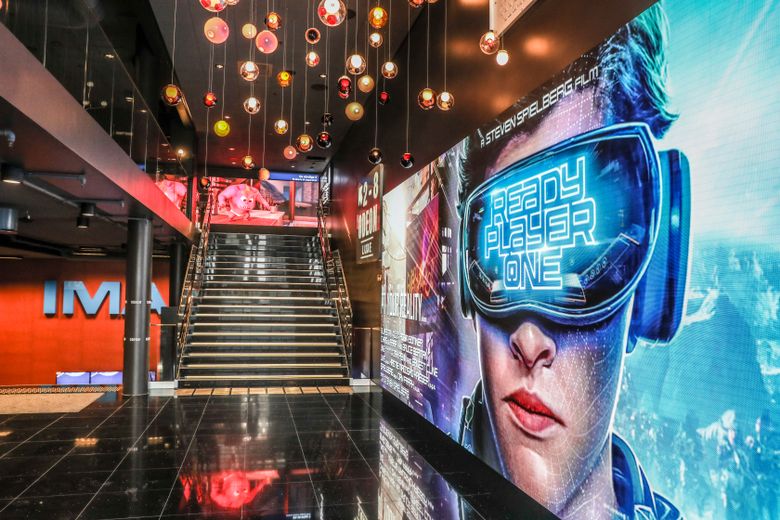
One of the most important principles of effective LED display content is simplicity. Unlike printed materials or websites, digital signage is often viewed from a distance and for only a few seconds. Viewers should be able to understand the main message almost instantly.
Avoid overcrowding the screen with excessive text, multiple calls to action or too many visual elements competing for attention. Instead, focus on one key message supported by clear graphics or high-quality images.
To improve readability:
- Use short headlines and concise text.
- Limit the amount of information displayed at one time.
- Choose clean, easy-to-read fonts.
- Ensure there is sufficient contrast between text and background.
- Leave adequate white space to prevent the layout from feeling cluttered.
Simple, well-structured content is easier to read, more memorable and generally performs better across retail, corporate, transportation and outdoor LED displays.
Design Content for the Viewing Distance
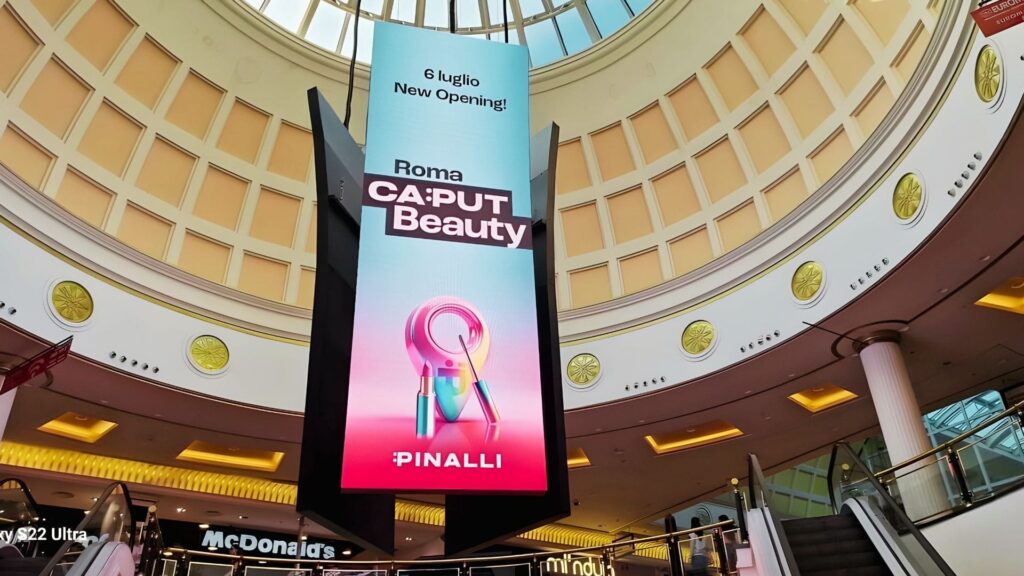
The effectiveness of LED display content depends not only on the design itself but also on how far the audience is from the screen. Content that looks perfect on a computer monitor may become difficult to read when viewed from several metres away.
Before creating graphics or animations, consider where the display is installed and how people will interact with it. A large outdoor billboard viewed by passing drivers requires a very different design approach than an indoor display in a retail store or corporate reception.
When designing content for different viewing distances:
- Increase text size as the viewing distance grows.
- Prioritize large, bold headlines over long paragraphs.
- Use simple icons and graphics that remain recognizable from a distance.
- Avoid small details that may disappear on larger screens.
- Keep the layout clean so viewers can understand the message quickly.
Designing with the audience’s perspective in mind improves readability, increases engagement and ensures that the content remains effective regardless of the installation environment.
Use High Contrast and Consistent Colours
Colour plays a fundamental role in attracting attention and improving readability on LED displays. The right combination of colours makes content easier to understand, while poor contrast can make even the best-designed message difficult to read.
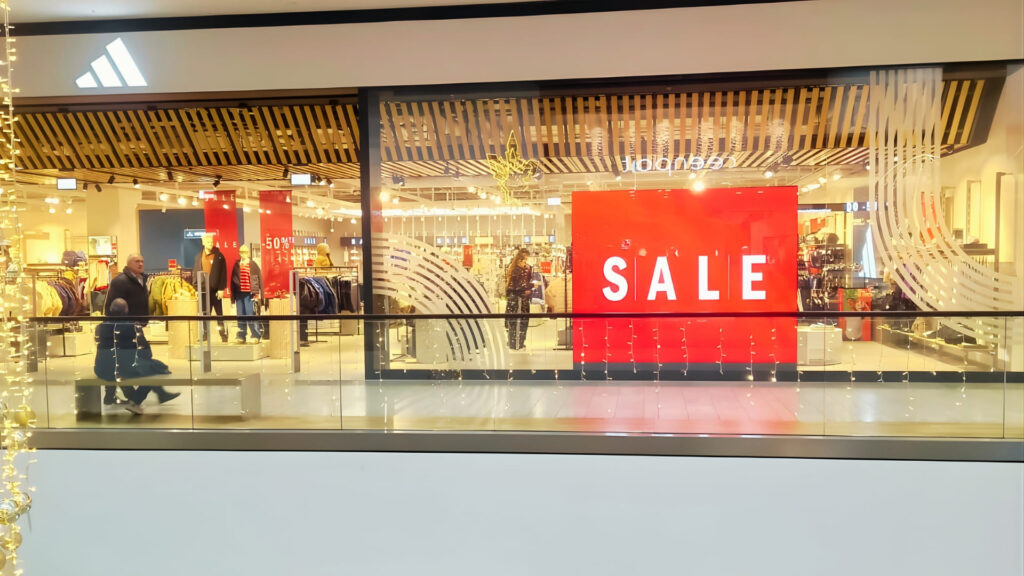
Text should always stand out clearly from the background. Dark text on dark backgrounds or bright colours with similar brightness levels can reduce visibility, especially in outdoor environments or brightly lit indoor spaces.
To create more effective LED display content:
- Use high-contrast colour combinations to maximize readability.
- Limit the number of colours within a single layout.
- Maintain consistent brand colours throughout your content.
- Use colour strategically to highlight key messages or calls to action.
- Test content under the actual lighting conditions whenever possible.
Remember that colours may appear differently depending on the display brightness, ambient lighting and viewing environment. Reviewing content directly on the LED display is the best way to ensure it delivers the intended visual impact.

Choose High-Quality Images and Graphics
Images are often the first element people notice on an LED display. High-quality visuals help attract attention, reinforce your message and create a more professional appearance.
Whenever possible, use original photos or high-resolution graphics rather than low-quality images downloaded from the web. Blurry or heavily compressed visuals become even more noticeable on large LED displays, reducing the overall impact of the content.
To achieve the best results:
- Use sharp, high-resolution images.
- Avoid pixelated or heavily compressed graphics.
- Choose visuals that support the main message rather than distract from it.
- Keep graphic elements clean and uncluttered.
- Maintain a consistent visual style across all campaigns.
Remember that viewers often have only a few seconds to process the content. Strong, relevant imagery can communicate ideas much faster than text alone, making your message more engaging and memorable.
Use Animation to Support Your Message
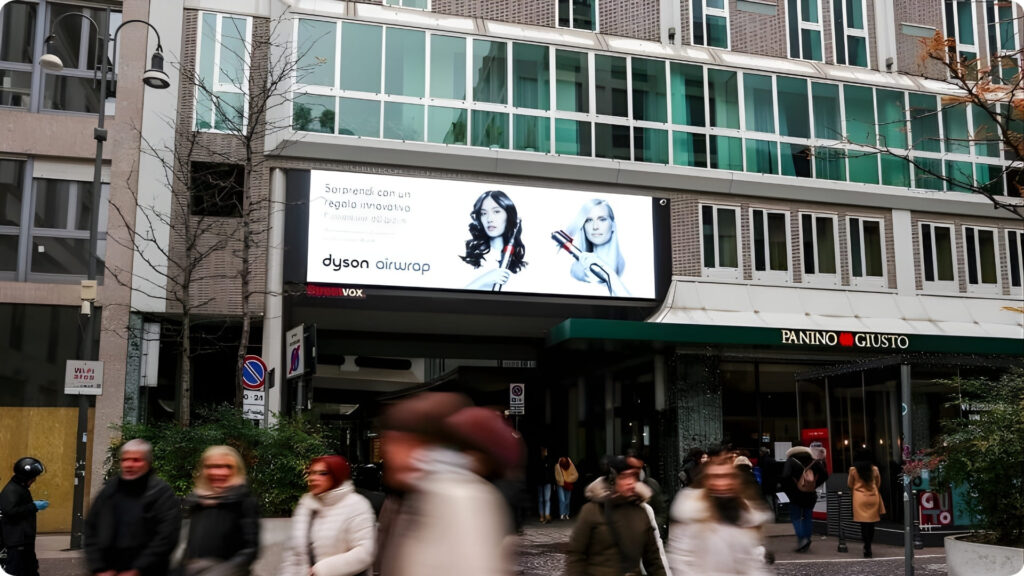
Motion naturally attracts attention, making animation a powerful tool for LED display content. However, more movement does not always mean better communication. Excessive or distracting animations can overwhelm viewers and make the main message harder to understand.
Animations should guide the viewer’s attention rather than compete with it. Simple transitions and purposeful motion are often more effective than complex visual effects.
When using animation:
- Highlight one key message at a time.
- Keep transitions smooth and consistent.
- Avoid flashing effects or rapid scene changes.
- Use movement to direct attention to important information.
- Ensure animated content remains easy to follow, even when viewed briefly.
The goal is to create content that captures attention while allowing viewers to absorb the message quickly. Well-designed animations enhance the viewing experience without becoming a distraction.
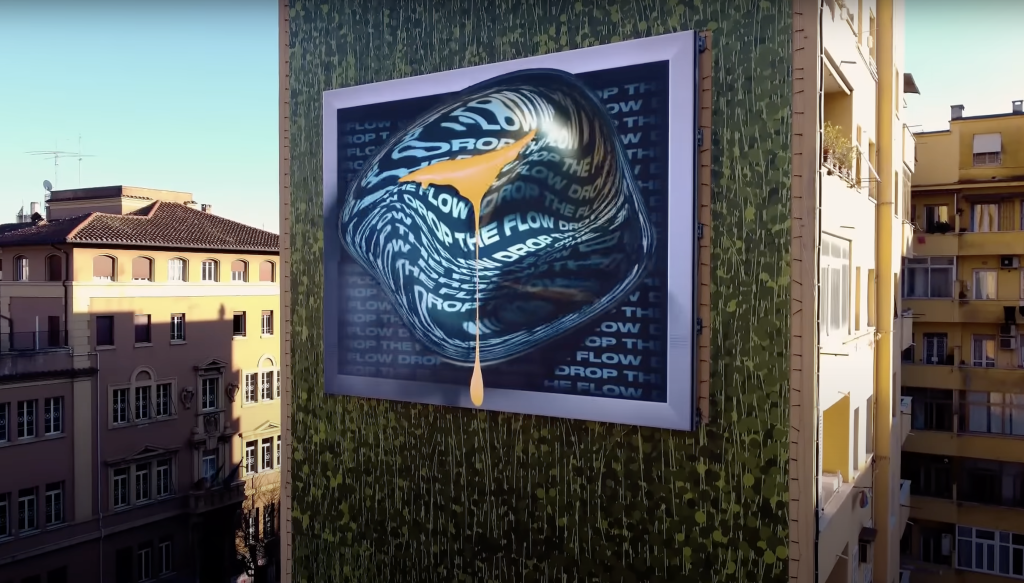
Adapt Content to the Installation Environment
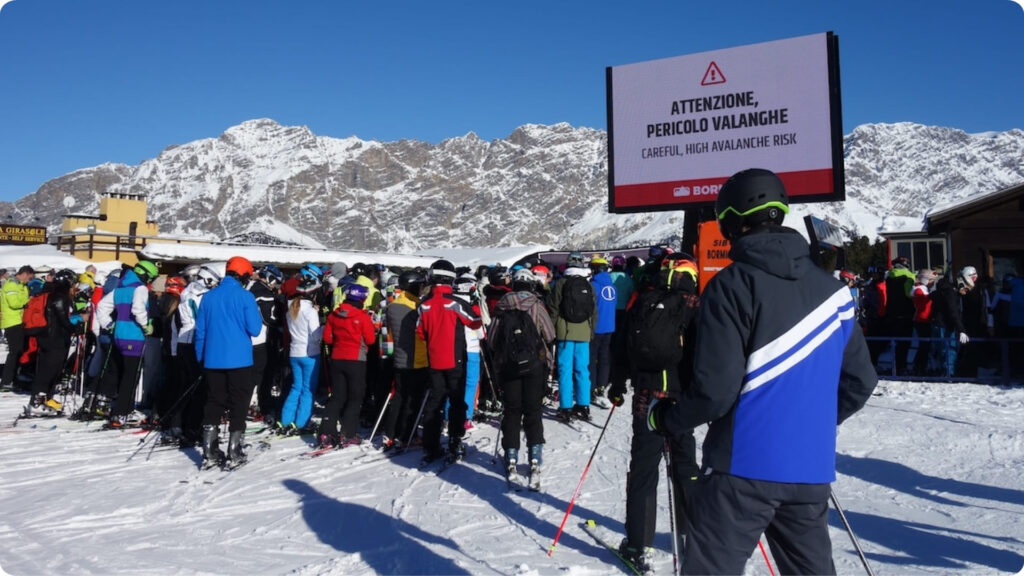
The most effective LED display content is always designed with its environment in mind. A message that works well in one location may be far less effective in another because audiences, viewing times and surrounding conditions are completely different.
Consider how people will interact with the display. Someone walking through a shopping centre has only a few seconds to notice a promotion, while visitors in a corporate reception area may spend more time viewing the screen. Outdoor displays also need to compete with changing weather conditions, daylight and heavy visual distractions.
When planning your content:
- Tailor the message to the target audience.
- Consider how long viewers are likely to look at the screen.
- Adjust the amount of information based on the viewing environment.
- Design content that remains clear under different lighting conditions.
- Update campaigns regularly to keep content fresh and relevant.
Creating content specifically for the installation environment helps increase engagement and ensures that your LED display communicates effectively in real-world conditions.
Need help creating content that gets the most from your LED display?
Contact our LED specialists for expert advice